Smart Plugs and Smart Bulbs: What They Can Do
Smart plugs and smart bulbs are the easiest, cheapest way to start a smart home. Here's what they can do, practical ways to use them, what to check before buying, and their limits.
By Pond.com editors Updated 2 min read
Quick answer
- Smart plugs turn ordinary devices like lamps, fans and holiday lights into ones you control by app, voice or schedule.
- Smart bulbs screw into existing fixtures and can dim, change color temperature and run on schedules.
- They're inexpensive and need no wiring, making them a good first smart home step.
- Choose devices that work with your platform, and look for Matter support for wider compatibility.
- Don't use standard smart plugs for heaters or other high-power appliances unless they're rated for the load.
If you're curious about smart home technology but don't want to spend much or rewire anything, smart plugs and smart bulbs are the place to start. They take minutes to set up and make everyday things a little easier.
Smart plugs
A smart plug sits between an outlet and a device, letting you switch the device on and off from your phone, by voice or on a schedule.
Practical uses:
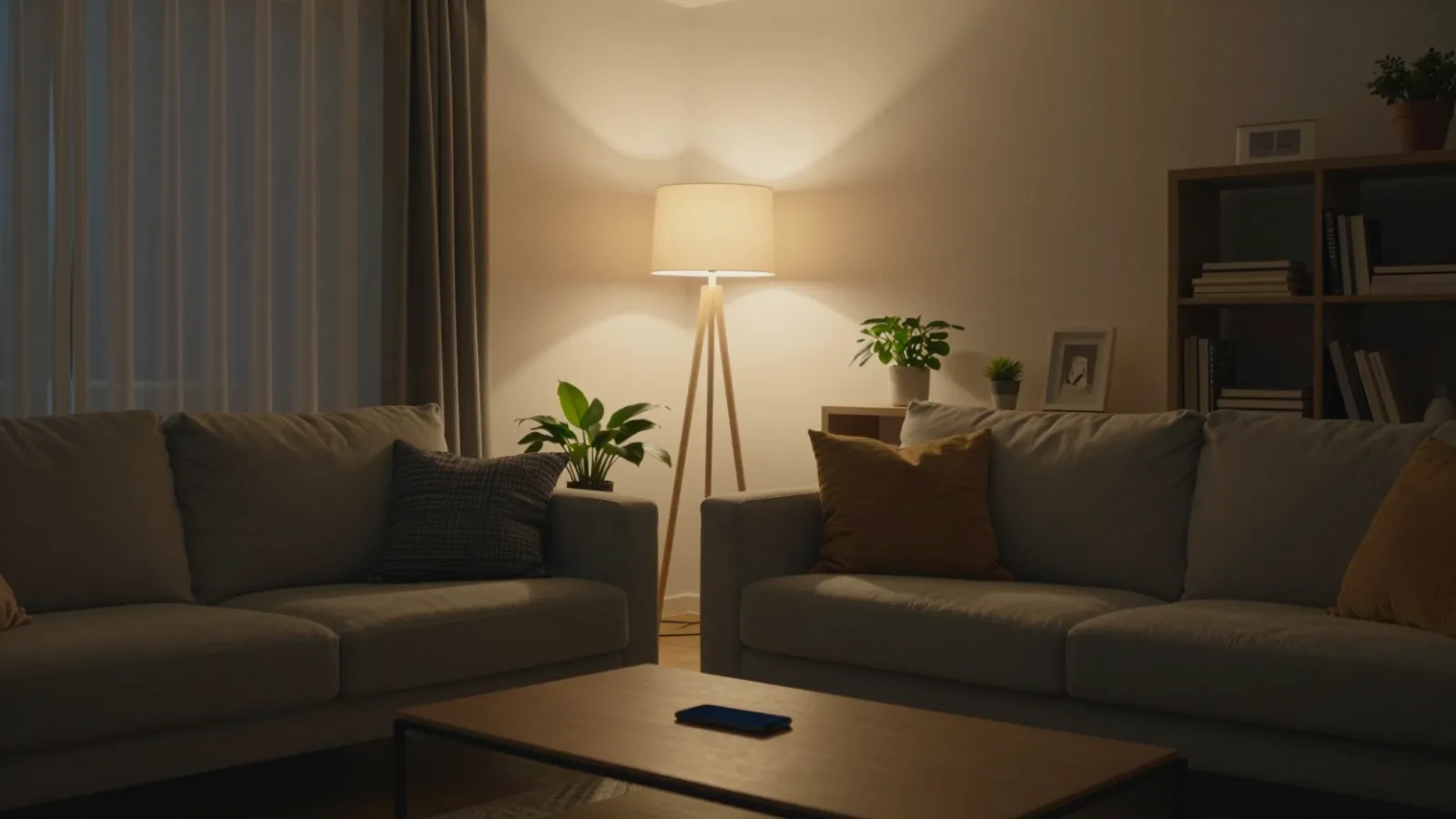
- Lamps that turn on at sunset and off at bedtime
- Holiday lights on a timer
- Fans you switch on before you get home
- Coffee makers with a simple on switch, ready in the morning
- Electronics you want fully off overnight to cut standby power
- Away mode: lights turning on and off while you travel, so the house looks occupied
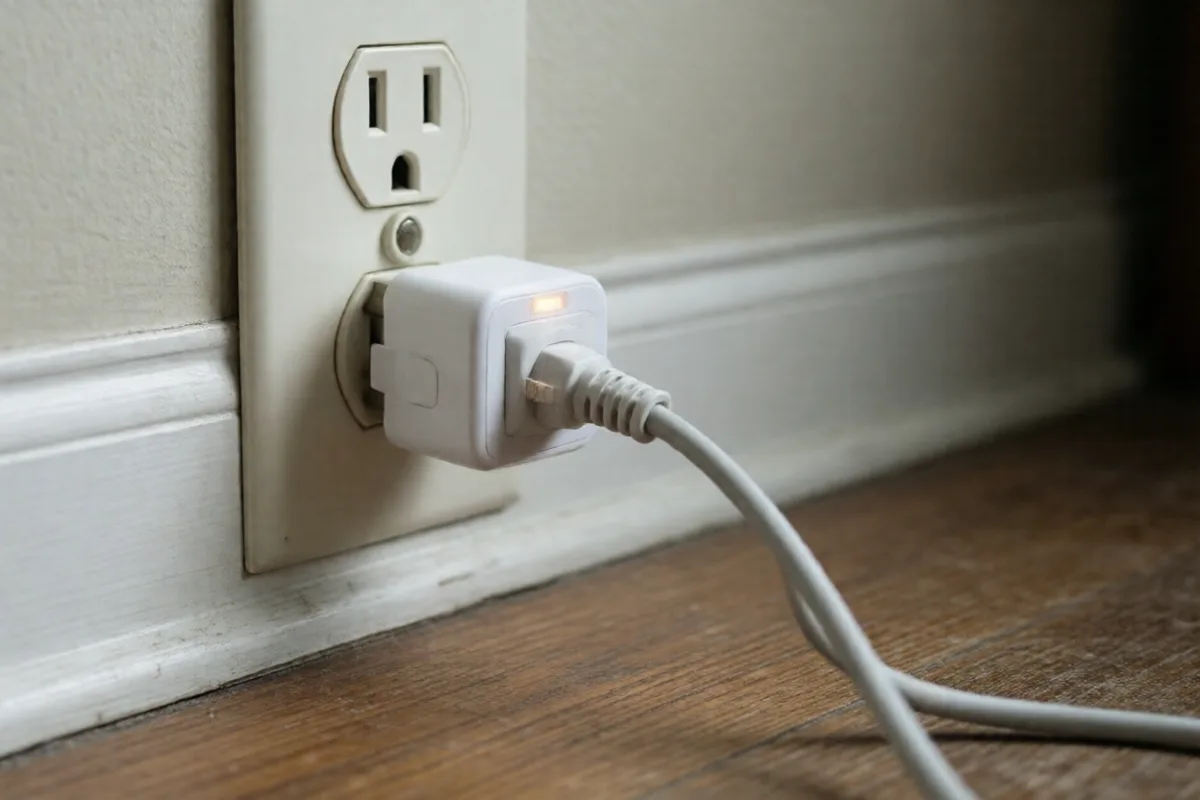
Some plugs measure energy use, which helps you spot devices that use more power than you expected.
Smart bulbs
Smart bulbs replace ordinary bulbs and connect to your phone or voice assistant.
What they can do:
- Dim without a dimmer switch
- Change color temperature, from warm white in the evening to cooler white for working
- Change color (on color models)
- Follow schedules, including a gradual "sunrise" in the morning
- Group lights by room and control them together
Before you buy
- Platform: make sure devices work with the assistant or app you use. Devices that support the Matter standard work across the major platforms.
- Connection: Wi-Fi devices connect directly; some use a hub. Too many Wi-Fi devices can crowd a basic router.
- Bulb size and base: match the fixture, and check whether enclosed fixtures are allowed.
- Brightness and color temperature: check lumens and Kelvin, just like regular bulbs.
Limits and safety
- Check the plug's rating and never use a standard smart plug for space heaters, air conditioners or other high-power appliances unless it's rated for that load.
- Smart bulbs and dimmers don't mix: use bulbs on regular switches left on, or use smart switches instead.
- Wall switches still cut power: if someone flips the switch off, the bulb can't be controlled remotely.
- Keep accounts secure with strong passwords and two-factor authentication.
Common questions
They can, by turning off devices on a schedule and cutting standby power to electronics. Savings are usually modest, but they add up across several devices. Some plugs show energy use, which helps you spot power-hungry appliances.
Most smart bulbs should be used with a regular on/off switch left on, not with a traditional dimmer, which can cause flickering or damage. Dim them through the app or voice assistant instead, or use a compatible smart dimmer.
Yes, a little. They stay connected to the network so they can be turned on remotely. The standby use is small, but turning the wall switch off cuts it completely, at the cost of remote control.