Smart Home Security: Cameras, Doorbells and Locks
Video doorbells, cameras, smart locks and sensors can make a home safer and give you peace of mind. Here's what each device does, what to look for, the real costs including subscriptions, and how to keep them private and secure.
By Pond.com editors Updated 2 min read
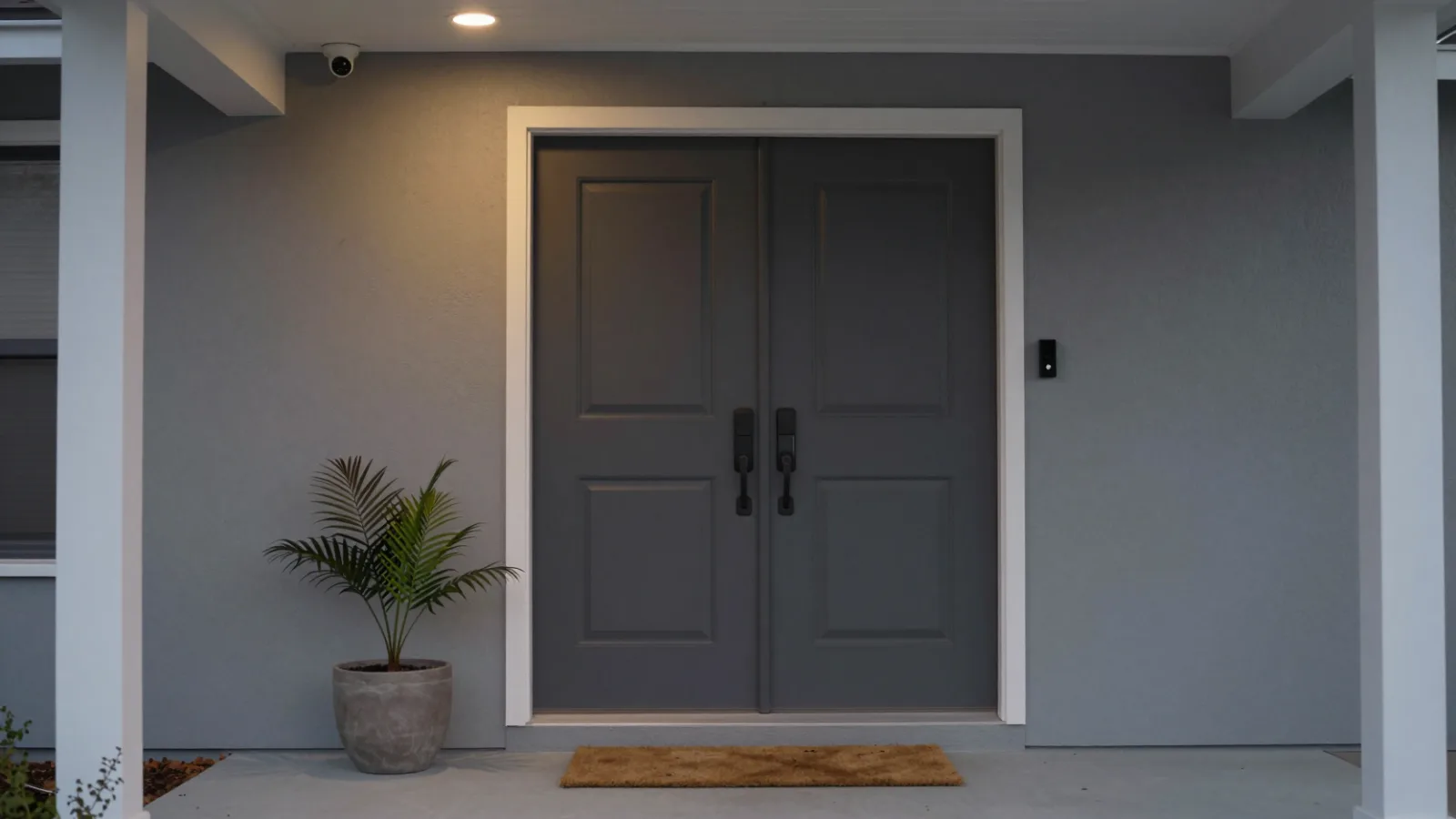
Quick answer
- Video doorbells let you see and talk to visitors and record package deliveries.
- Security cameras cover driveways, yards and entrances; check whether video storage needs a subscription.
- Smart locks let you lock and unlock with your phone, codes or keys, and see who comes and goes.
- Door, window and leak sensors and smart smoke alarms alert you to problems fast.
- Protect accounts with strong passwords and two-factor authentication, and respect neighbors' privacy when placing cameras.
Smart security devices put an eye on your home from anywhere. You can see who's at the door, get alerts when something moves, let a family member in remotely, or know right away if water starts leaking. You can start with a single device and build from there.
The main devices
Video doorbells
Replace or add to your doorbell with a camera that shows who's there, lets you talk through your phone and records visitors and deliveries. Wired models use existing doorbell wiring; battery models are easier to install but need recharging.
Security cameras
- Outdoor cameras cover driveways, yards and side doors. Look for weather resistance, night vision and a wide field of view.
- Indoor cameras watch entrances, pets or rooms while you're away.
- Power: wired, battery or solar options.
Smart locks
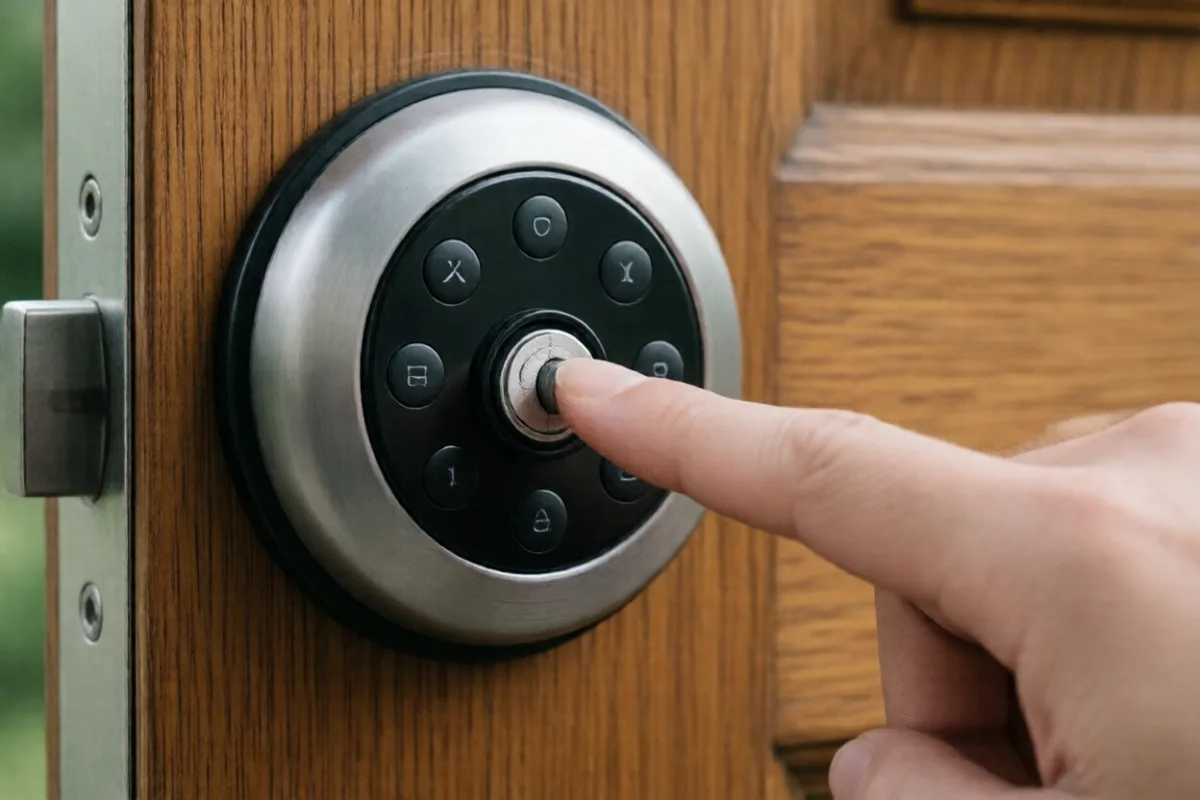
Unlock with your phone, a keypad code, a fingerprint or a regular key. Give temporary codes to guests or service workers and see a log of who came and went. Many fit over or replace an existing deadbolt.
Sensors and alarms
- Door and window sensors alert you when something opens.
- Water leak sensors under sinks, by the water heater and washing machine catch leaks early.
- Smart smoke and carbon monoxide alarms alert your phone when you're away.
Costs to consider
- Upfront cost of each device.
- Subscriptions: cloud video recording, smart alerts and professional monitoring often cost extra each month.
- Local storage options (memory cards or a home hub) can avoid ongoing fees.
Keep it secure and private
- Use a strong, unique password for each account and turn on two-factor authentication.
- Update firmware regularly, and choose brands with a record of security updates.
- Put devices on a separate guest network if your router allows.
- Review sharing settings for video and any police or neighborhood sharing programs.
- Respect privacy: aim cameras at your own property, not neighbors' windows or yards, and check local laws on audio recording.
Common questions
Many cameras work without one for live viewing and alerts, but recording, cloud storage and smart features often need a monthly plan. Some cameras store video locally on a memory card or hub instead. Compare the ongoing cost before you buy.
Well-made smart locks from reputable brands are generally as physically secure as standard deadbolts, and add features like codes and activity logs. Keep firmware updated, use strong account security, and keep a backup key or code in case batteries run out.
Some home insurers offer discounts for monitored alarm systems, smart smoke detectors or water leak sensors. Ask your insurer which devices qualify before you buy.