How to Use Your Phone Abroad Without Data
You can do a surprising amount abroad with no mobile data at all. Here's how to set up your phone to avoid roaming charges, download maps, translations and tickets before you go, make free calls and send messages over Wi-Fi, and what's worth doing before you leave home.
By Pond.com editors Updated 2 min read
Quick answer
- Turn off data roaming, or use airplane mode with Wi-Fi on, so you can't run up roaming charges.
- Download offline maps and translation languages at home over Wi-Fi.
- Save boarding passes, tickets and reservations to your phone's wallet or as screenshots.
- Use Wi-Fi calling and internet messaging apps to stay in touch for free.
- GPS works without data, so offline maps still show where you are.
Not everyone wants to pay for data abroad, and some trips don't need it. With a little setup before you leave, your phone can still be your map, translator, wallet and way to keep in touch, using Wi-Fi at your hotel, cafes and attractions.
This article is general information. Menus vary by phone and app.
Stop roaming charges first
Choose one of these before you land:
- Turn off data roaming in your phone's settings. You can still get calls and texts, which may be charged.
- Use airplane mode, then turn Wi-Fi back on. This blocks the mobile network completely, so there are no surprise charges, but you won't get calls or texts on your number.
Also turn off automatic app updates and photo backups except on Wi-Fi.
Download before you go
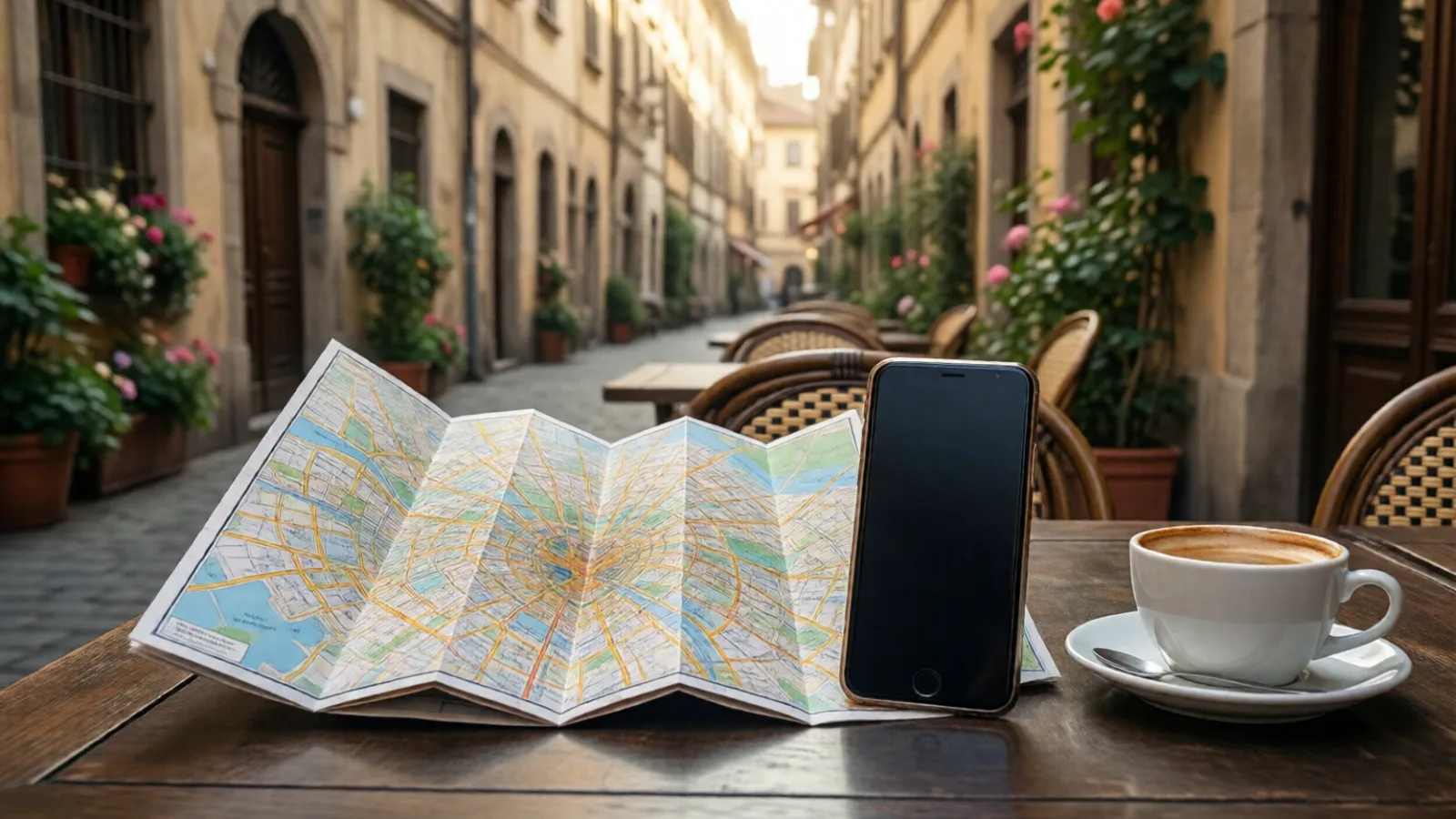
- Offline maps: Google Maps and Apple Maps both let you download an area, such as a whole city, to use without data. GPS still shows where you are, and you can get directions within the downloaded area.
- Translation: download the languages you need in a translation app such as Google Translate, so text and camera translation work offline.
- Tickets and reservations: save boarding passes, train tickets and museum tickets to your phone's wallet, and take screenshots of hotel and rental bookings, with addresses.
- Entertainment: download shows, music, podcasts and books for the flight and for evenings without Wi-Fi.
- Useful numbers: your hotel, your bank's international phone number and your embassy.
Stay in touch over Wi-Fi
- Messaging apps like WhatsApp, iMessage and Messenger work on any Wi-Fi network.
- Video and voice calls over FaceTime, WhatsApp or similar apps are free on Wi-Fi.
- Wi-Fi calling lets you make and receive calls on your regular number over Wi-Fi. Turn it on before you leave and check your carrier's rates.
Finding Wi-Fi
Hotels, cafes, museums, trains and many city centers offer free Wi-Fi. Avoid banking or entering card details on open networks. See is public Wi-Fi safe when traveling?
When it's worth paying for data
If you'll rely on ride-hailing apps, live transit times or navigation on the road, a small travel eSIM costs only a few dollars a day and saves a lot of hassle. See how to set up a travel eSIM.
Common questions
Yes. Your phone's GPS uses satellites, not your mobile plan, so it can show your location on a downloaded offline map even with no data or signal. It may take a little longer to find you at first.
It depends on your carrier. Many major US carriers don't charge for Wi-Fi calls back to US numbers from abroad, but calls to local numbers may cost money. Check your carrier's international page before you rely on it.
Usually yes, if your phone line is on and connected to a local network. Turning off data roaming only stops mobile data. Receiving texts is usually free, but check your plan, and note that airplane mode stops texts completely.