How to Protect Your Phone From Theft When Traveling
Phones are one of the most stolen items on vacation, and losing one abroad can also mean losing access to your money, tickets and accounts. Here's how to set up your phone before you go, keep it safe while you're out, and exactly what to do if it's lost or stolen.
By Pond.com editors Updated 3 min read
Quick answer
- Before you go, set a strong passcode and turn on your phone's location tracking and anti-theft features.
- Back up your phone and make sure you can sign in to your accounts without it.
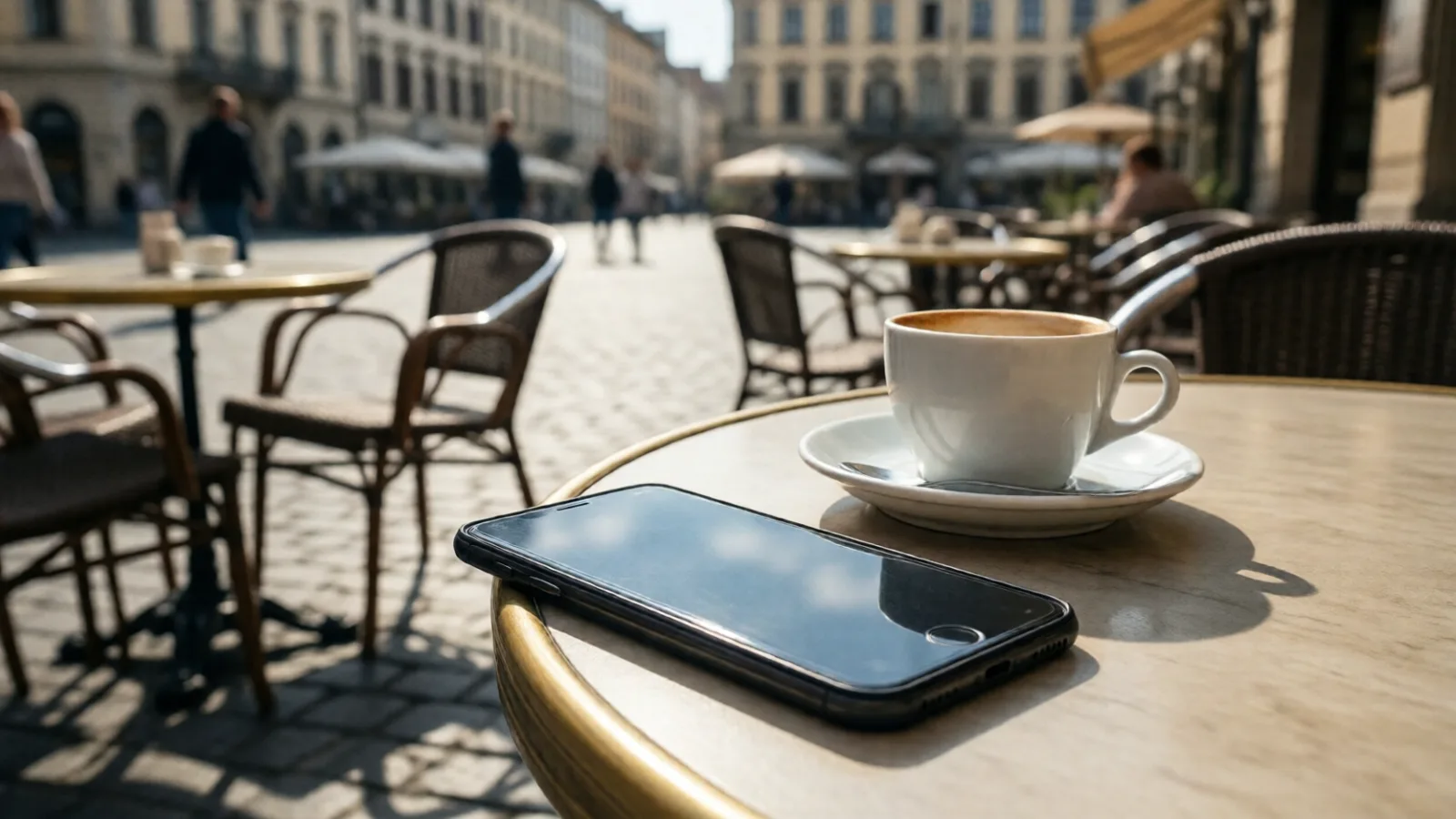
- Carry your phone in a front pocket or zipped bag, and don't leave it on cafe tables.
- If it's stolen, mark it as lost, call your carrier to suspend the line and change key passwords.
- Report the theft to local police and get a report number for insurance claims.
Losing your phone on vacation is more than an expensive nuisance. It's your map, your tickets, your camera and often the key to your bank accounts. A few minutes of setup before you leave makes theft much less likely and much easier to recover from.
This article is general information.
Before you go
- Use a strong passcode, not a simple one like 1234, and turn on Face ID or a fingerprint.
- Turn on location tracking: Find My on an iPhone, or Find Hub (formerly Find My Device) on Android.
- Turn on anti-theft features: Stolen Device Protection on an iPhone, and Theft Protection settings such as Theft Detection Lock on Android, which lock the phone if it's snatched.
- Back up your phone, including photos, so you won't lose everything.
- Check you can sign in without it. If your phone is your only way to get two-step verification codes, save backup codes or set up a second method.
- Write down your phone's IMEI number (dial *#06#), your carrier's international support number and your bank's phone number, and keep them somewhere other than your phone.
While you're out
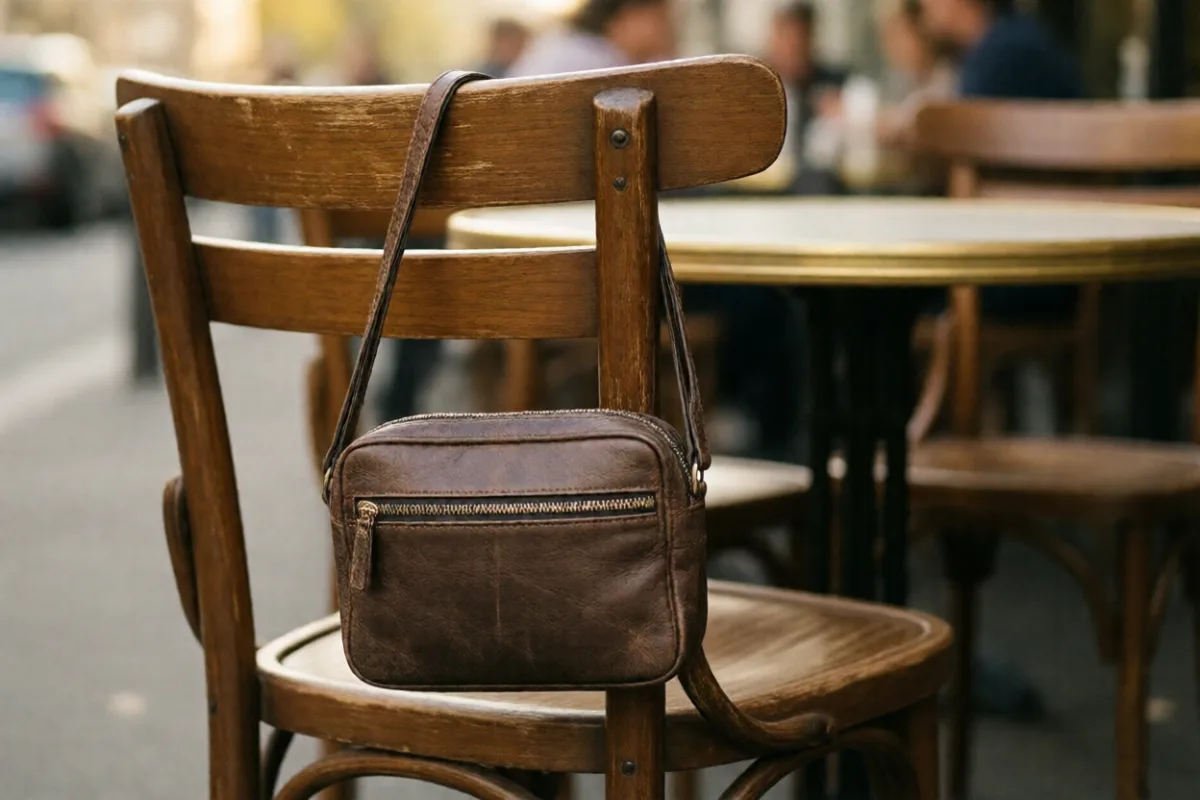
- Keep it in a front pocket or a zipped bag worn in front, especially on public transport and in crowds.
- Don't leave it on cafe or restaurant tables, where it can be swiped in a second.
- Be aware when using it on the street, particularly near curbs, where thieves on scooters or bikes can grab it.
- Use a wrist strap or phone tether in busy places.
- Lock it in the hotel safe when you don't need it.
If it's lost or stolen
- Mark it as lost from another device or a computer, using Find My or Find Hub. This locks it and shows a message with a contact number. Erase it if you're sure it won't come back.
- Call your carrier to suspend the line, so no one can use your number or receive your codes.
- Change key passwords, starting with email, banking and any account that uses your phone for codes.
- Call your banks if payment apps or cards were on the phone.
- Report it to the local police and get a report number. You'll need it for insurance claims.
- Don't try to chase or confront a thief, even if the phone's location shows up nearby.
Getting by without it
- Use a computer at your hotel to check your bookings and email.
- Contact your airline if your boarding pass was only on the phone; you can usually print one or show ID at the desk.
- Buy a basic phone or local SIM if you need to make calls for the rest of the trip.
Common questions
It can help on trips where theft is a concern, as long as it's updated, protected with a passcode and set up with the apps you need. Keep your main phone locked in the hotel safe, but remember it may be the one that receives your bank's security codes.
Often, yes, but the deductible may be higher than the phone's value. Some credit cards also include cell phone protection if you pay your phone bill with the card. Check both before you travel, and keep the police report.
A thief can't remove an eSIM to put it in another phone, which is one advantage over a physical SIM. Still, call your carrier to suspend the line so no one can use your number to receive your security codes.